Intuitive Piano Roll
Edit notes with simple drag-and-drop — adjust pitch, length, and velocity in seconds.
Upload or create a MIDI file in your browser. Drag notes, adjust timing and velocity, and shape your music with ease. Preview instantly and export anytime.
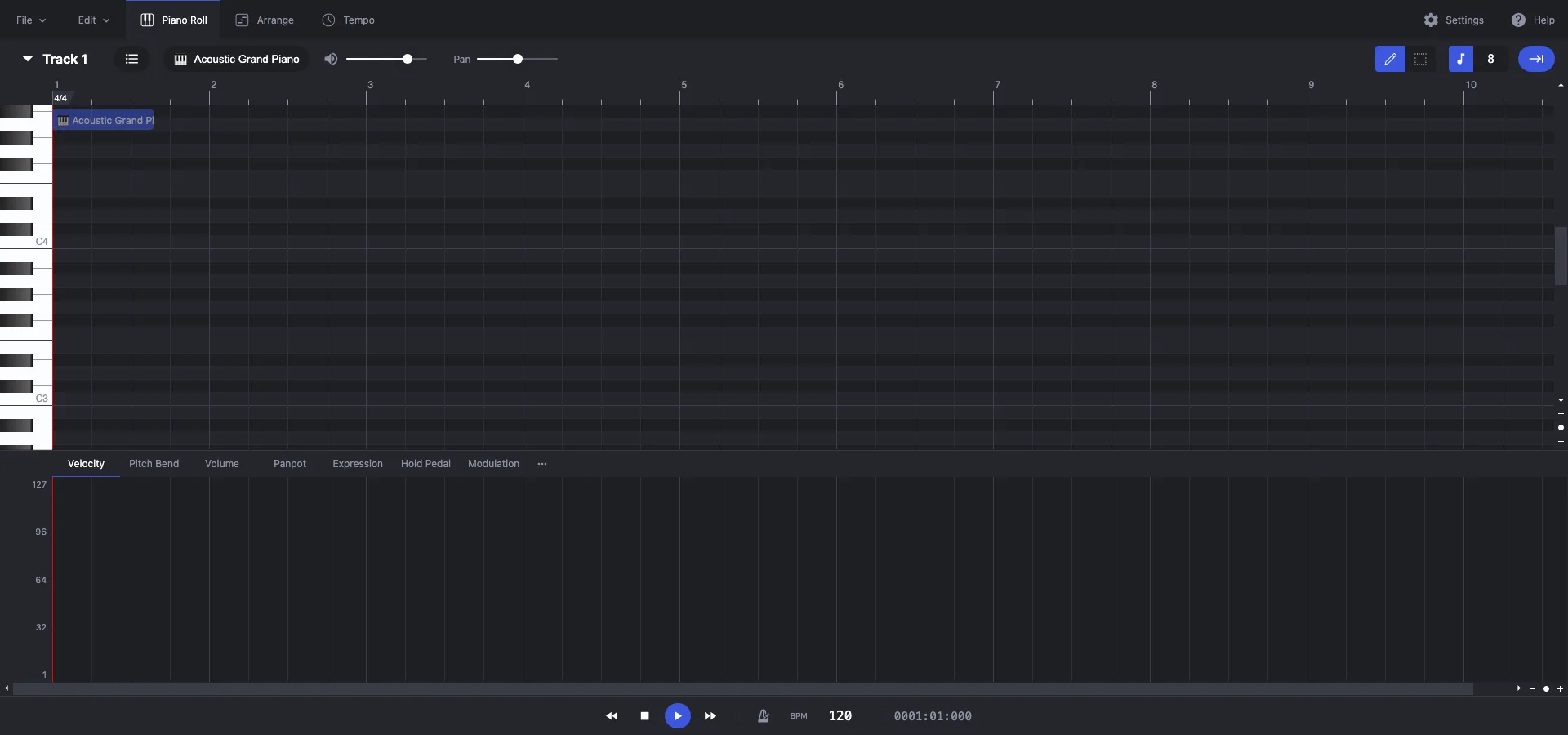
Edit notes, switch instruments, and apply AI tools — everything you need to shape your music, in one place.
Edit notes with simple drag-and-drop — adjust pitch, length, and velocity in seconds.
Preview your MIDI with piano, guitar, strings, or drums to hear your ideas in different sounds.
Save your work as MIDI for DAWs or export an MP3 preview to share and listen anywhere.
No installation needed; everything runs locally, keeping your files private and accessible anywhere.
Get started in just four steps — from uploading to exporting, editing MIDI has never been easier.
Upload an existing MIDI file or create one from scratch.
Drag, add, or delete notes; adjust timing, velocity, and chords.
Use built-in tools to polish timing, dynamics, and overall structure.
Try different instruments, listen in real time, and export as MIDI or MP3.
Get answers to common questions on editing, exporting, instrument playback, and file compatibility.
A: Yes — core editing features are free. We may offer additional advanced tools in future versions.
A: Not yet. MIDI keyboard input is not supported at this time; editing is done by dragging and manipulating notes in the interface.
A: Yes. Everything runs in your browser. Your file stays on your device.
A: Yes — the editor preview includes multiple instrument voices that you can switch between in real time.
A: It's ideal for medium-complexity single-melody or small multi-track MIDIs. For very complex orchestration, use a full-feature DAW for finish work.